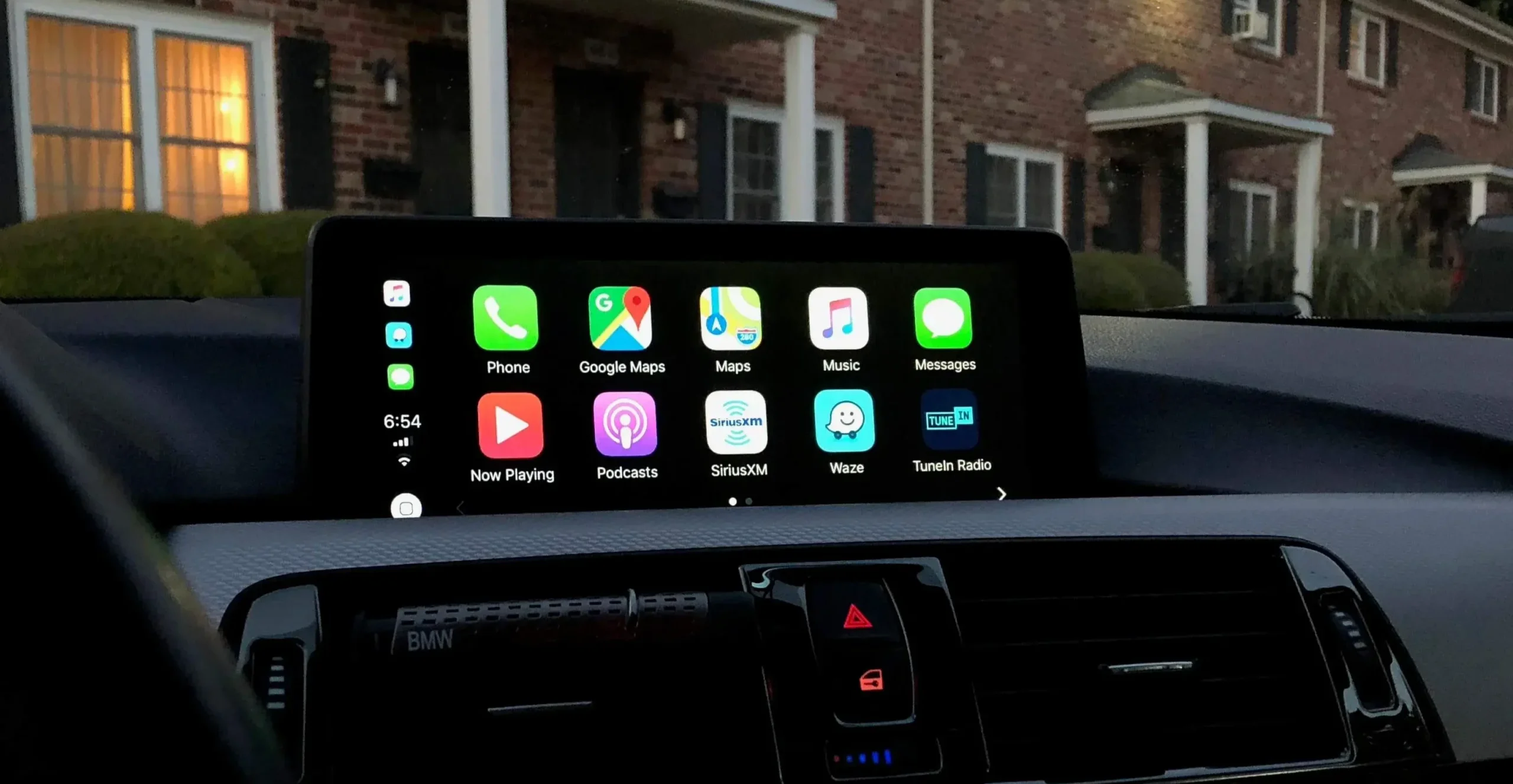
Forget the endless Reddit threads and forum rabbit holes – here’s the real, step-by-step guide to activating Apple CarPlay and screen mirroring in your BMW. This is the exact process I used on my BMW 1 Series, with all the working links, tools, and a direct activation method that actually works. Whether your iDrive shows “CarPlay not available” or you just want full-screen mirroring, this guide will walk you through it — no dealer visit required.
What Is BMW CarPlay Activation?
BMW CarPlay activation is a software unlock that enables Apple CarPlay and Android screen mirroring in compatible BMWs.
Instead of installing a new head unit or buying expensive retrofit hardware, you simply activate the features already built into your iDrive system using an FSC code and an ENET cable.
In short:
- Retrofit = hardware install 💸
- Activation = software unlock 💻
If your car already has the hardware, activation is faster, cheaper, and safer.
Why Activate Instead of Retrofit?
| Feature | Activation | Retrofit |
| Cost | £30 – £60 | £300 – £400 |
| Install Time | 25 – 60 mins | 3 – 4 hours |
| Tools | Laptop + ENET Cable | New Head Unit |
| Risk | Low | Medium – High |
| Skill Level | Beginner-friendly | Advanced |
Verdict:
If your BMW has the right iDrive version (NBT, NBT Evo, or newer), activation is the smarter play.
Check Compatibility Before You Start
Before you buy anything, check your car’s software version.
- On your iDrive, go to:
Navigation → Settings → Position & Software Version → Software Version - Look for your NBTevo version (example: NBTevo_G, NBTevo_Y).
- G–M versions: Split screen (USB method)
- N–Y versions: Full screen (USB or ENET method)
- Make a note of your 17-digit VIN (on windscreen or registration docs).
If you’re unsure which method your BMW needs, message your activation supplier with your VIN — they’ll confirm before you order.